Request from the app
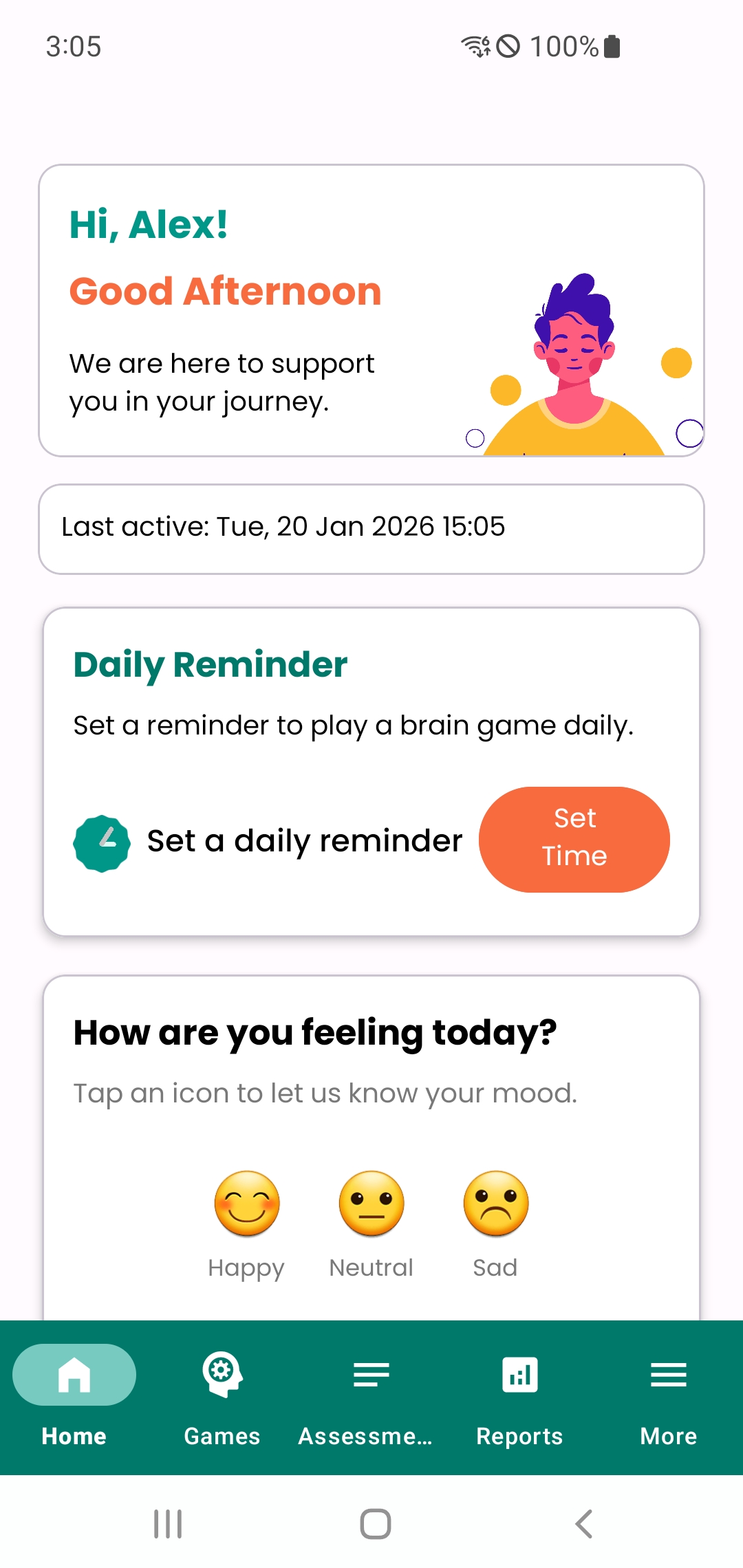
Open FocusBloom and follow: More → Privacy & Data → Request Data Deletion. This will open your email client with the correct details.
If you would like to delete your FocusBloom data, you can submit a request directly in the app or by email. We will process your request within 1 week and deactivate the account associated with your request.
Open FocusBloom and follow: More → Privacy & Data → Request Data Deletion. This will open your email client with the correct details.
Email us at support@imktechnologies.com using the same email address you used to register with the app.
Subject line: Delete my data - Focus Bloom - your@email.com
You can also use this link to start an email: Delete my data – Focus Bloom
We will verify the request, delete your account data from our systems, and deactivate the associated account. We may retain minimal records if required for legal or security reasons.